Everything from the first application
to the month-end pay run
From the morning clock-in to the month-end pay run — every HR record in one place, feeding the next step automatically.
Six modules, one employee record — no re-keying between them.

Recruitment
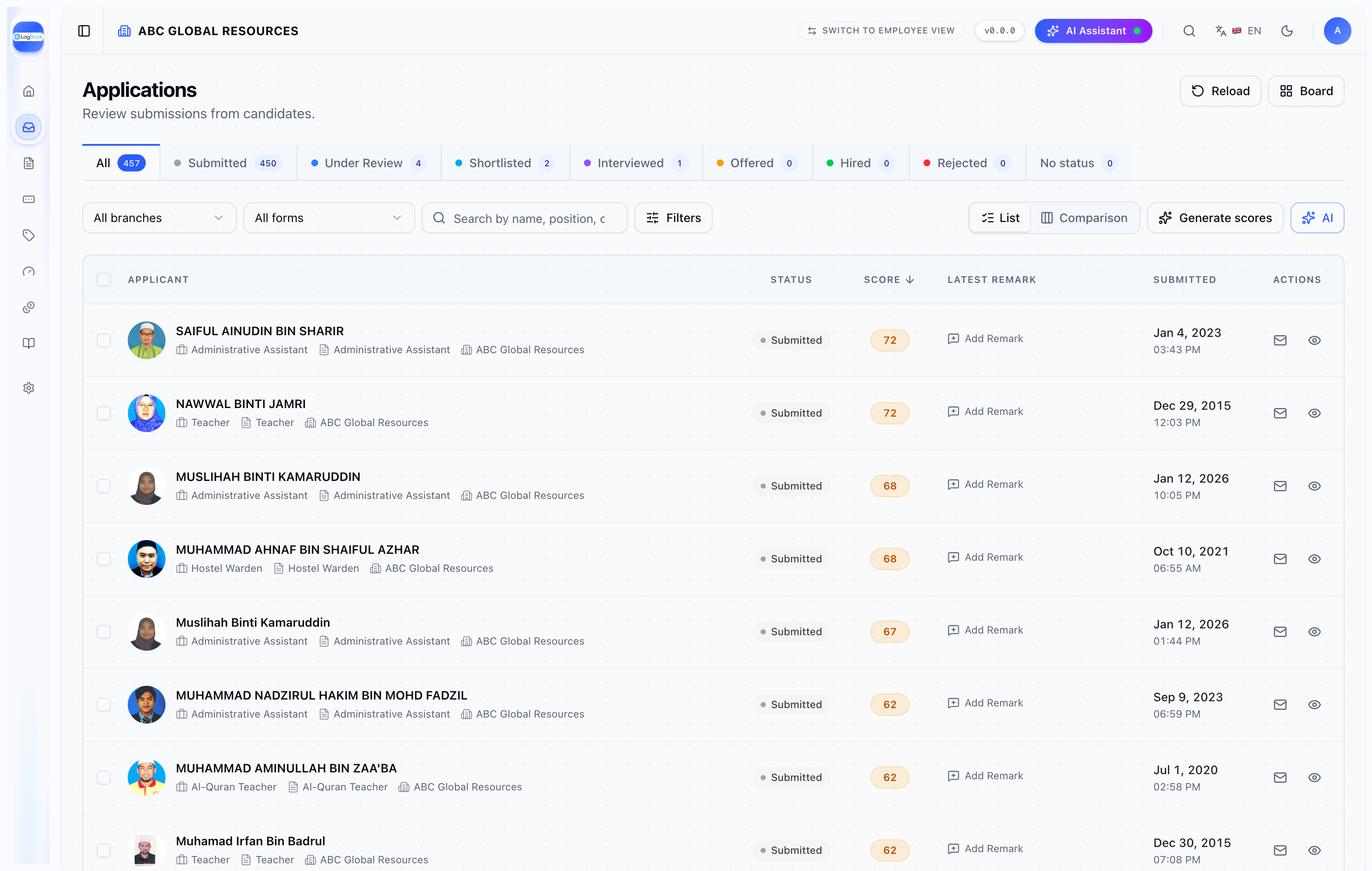
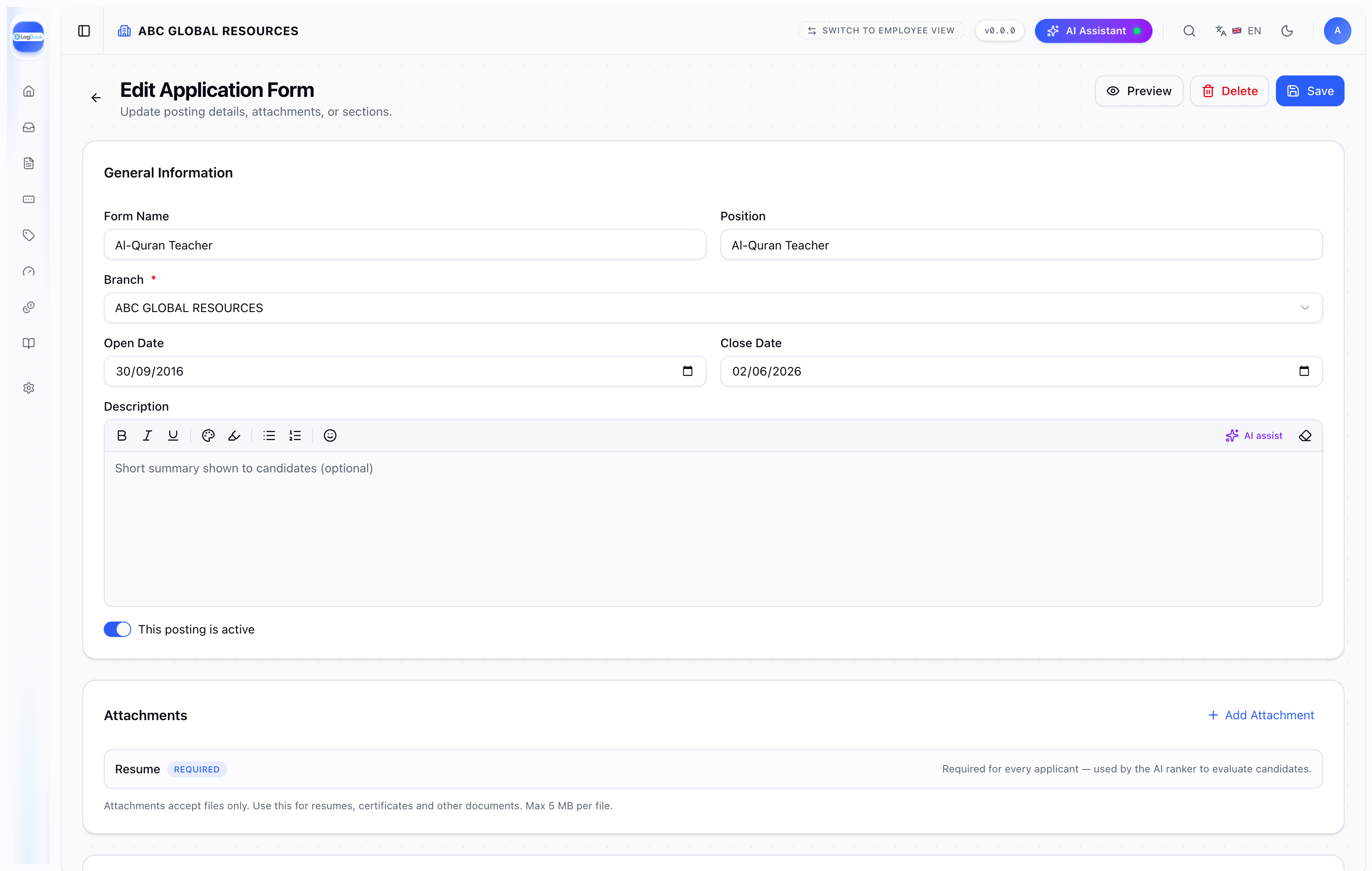
Hire with AI screening
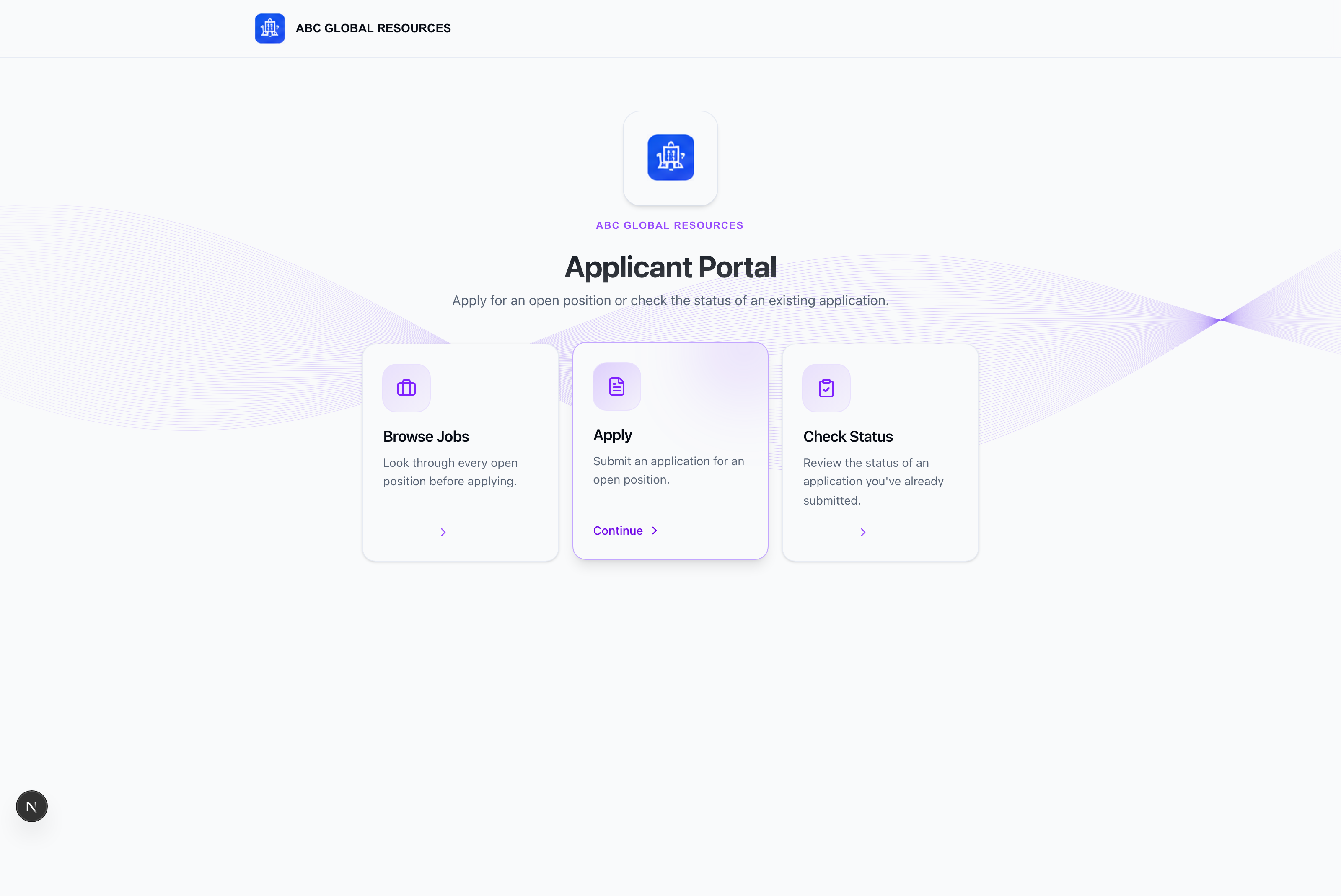
A public applicant portal and a recruiter studio built as one platform, so candidates apply in minutes and your team hires from a single pipeline.
An agent reads each resume, writes the strengths and weaknesses and computes a fit score across skills, experience, education and stability — so the strongest people rise to the top before you open a CV.

User
One record per person
The people records every other module reads — staff, clients, suppliers, students and parents, all held against your branches.
Add a staff member once and Leave, Claim, Attendance and Payroll all see them: contact and job details, academic and work history, system access keys, and which fields appear on each form. Export to Excel, or email and SMS a selected group, without leaving the page.
- Staff, client, supplier, student and parent records
- Branch-scoped, with access keys
- Configurable record forms
- Excel export, bulk email and SMS
Attendance
Who's in, live
A live view of attendance across every branch — QR and face-ID check-in, GPS verification, shifts and overtime, with instant exception alerts.
Every verified hour flows through overtime and leave straight into payroll, so there is one source of truth for your whole HR stack and nothing gets re-keyed.

Attendance on mobile
The employee-facing mobile app: GPS-verified clock-in, identity verification and a monthly summary


Two ways to verify a check-in: a face scan, or a location QR code


Leave
One approval queue
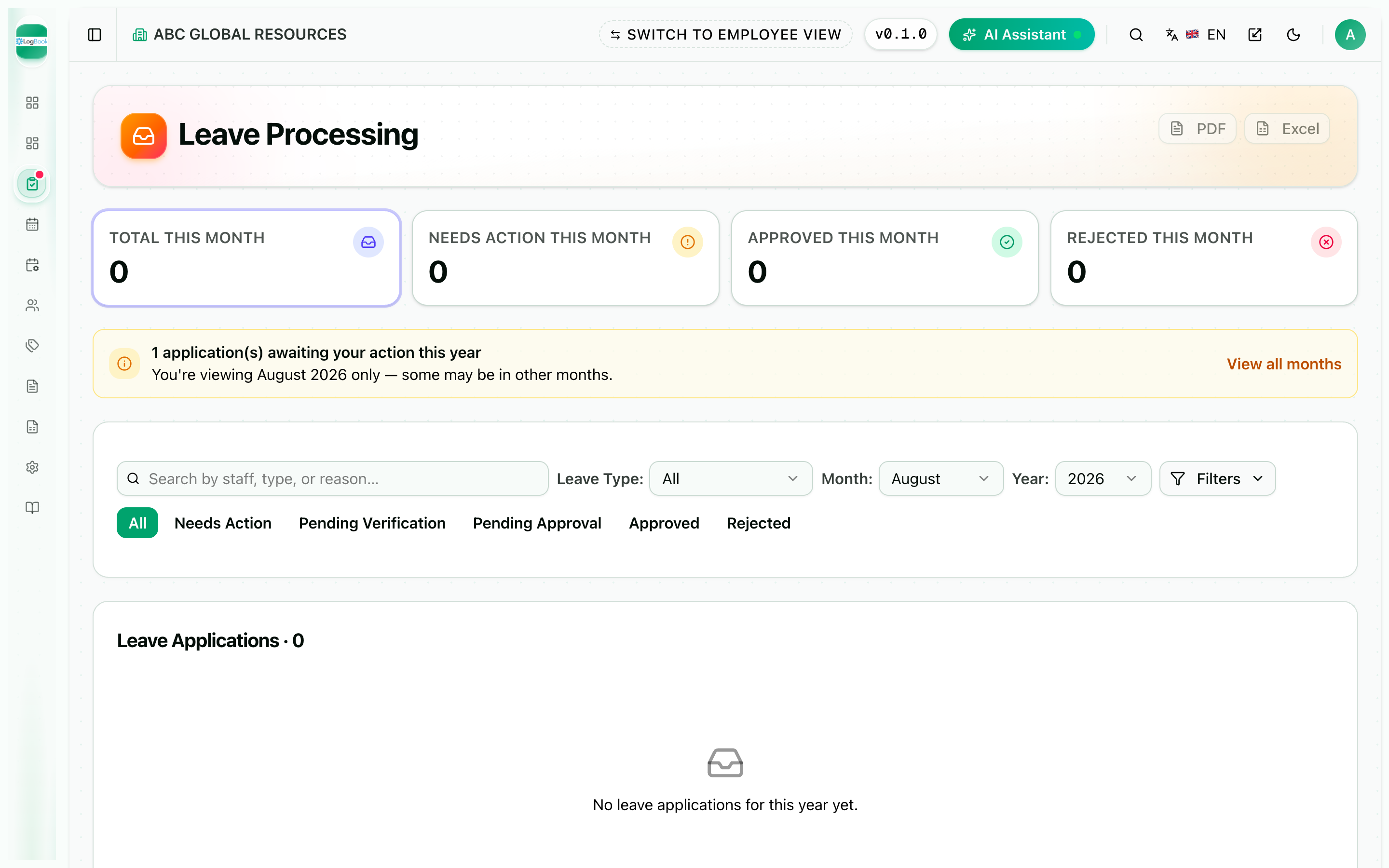
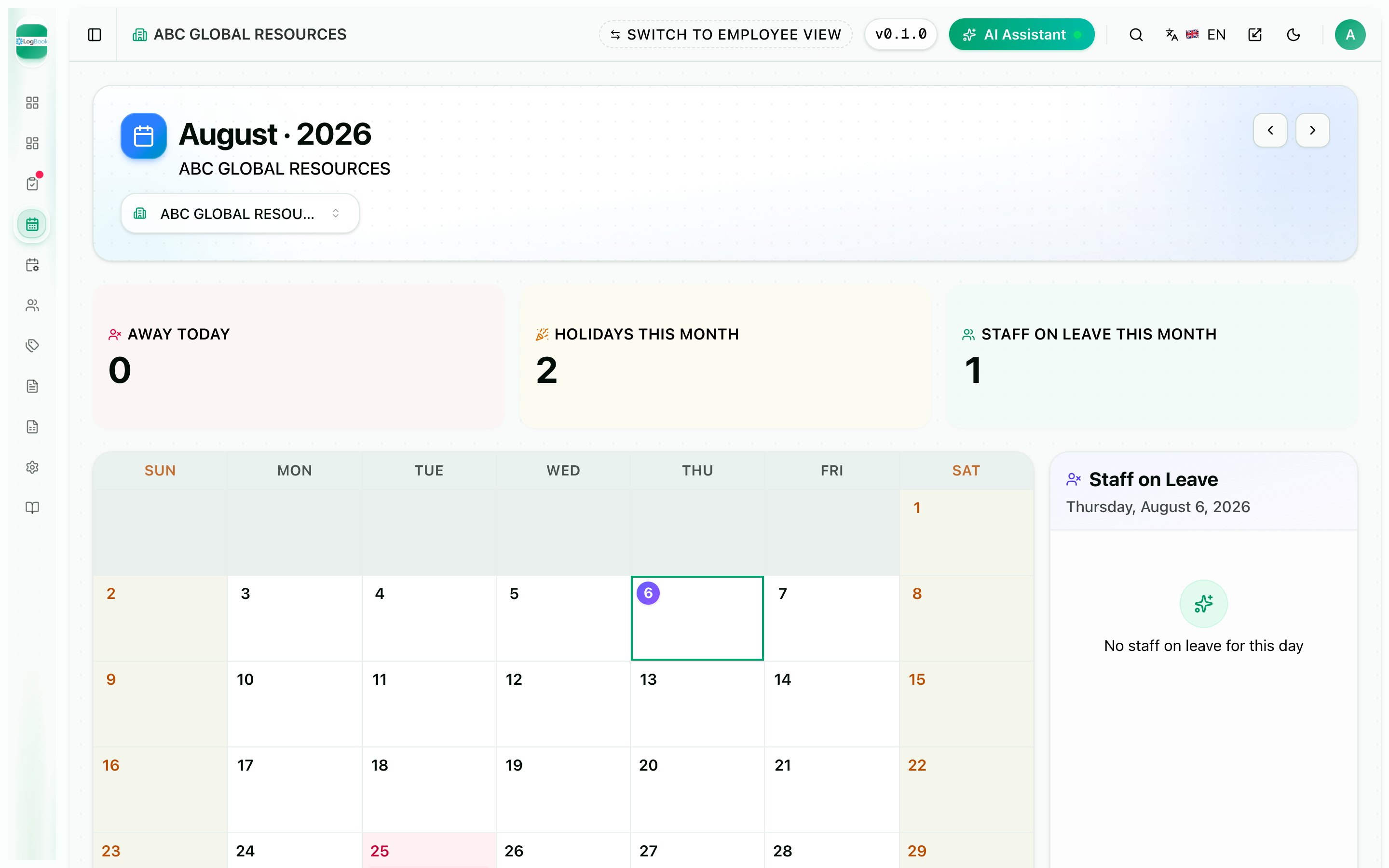
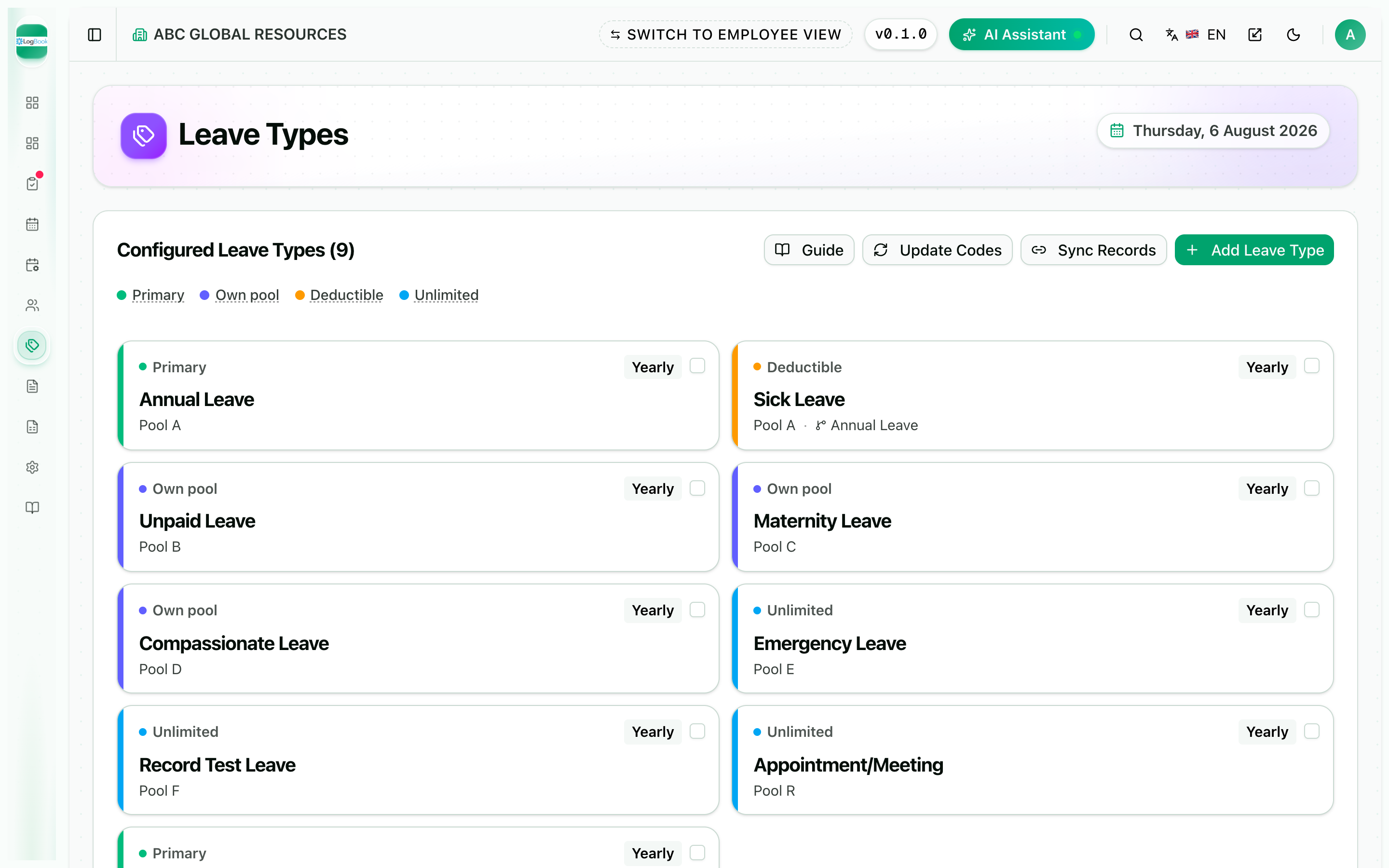
One admin hub for every leave request — a configurable leave-type engine, a review-verify-approve queue, live balances per staff and a team calendar.
The moment a request is approved the right pool draws down by itself, so allocation, taken and balance never need reconciling.

Claim
Receipts to reimbursement
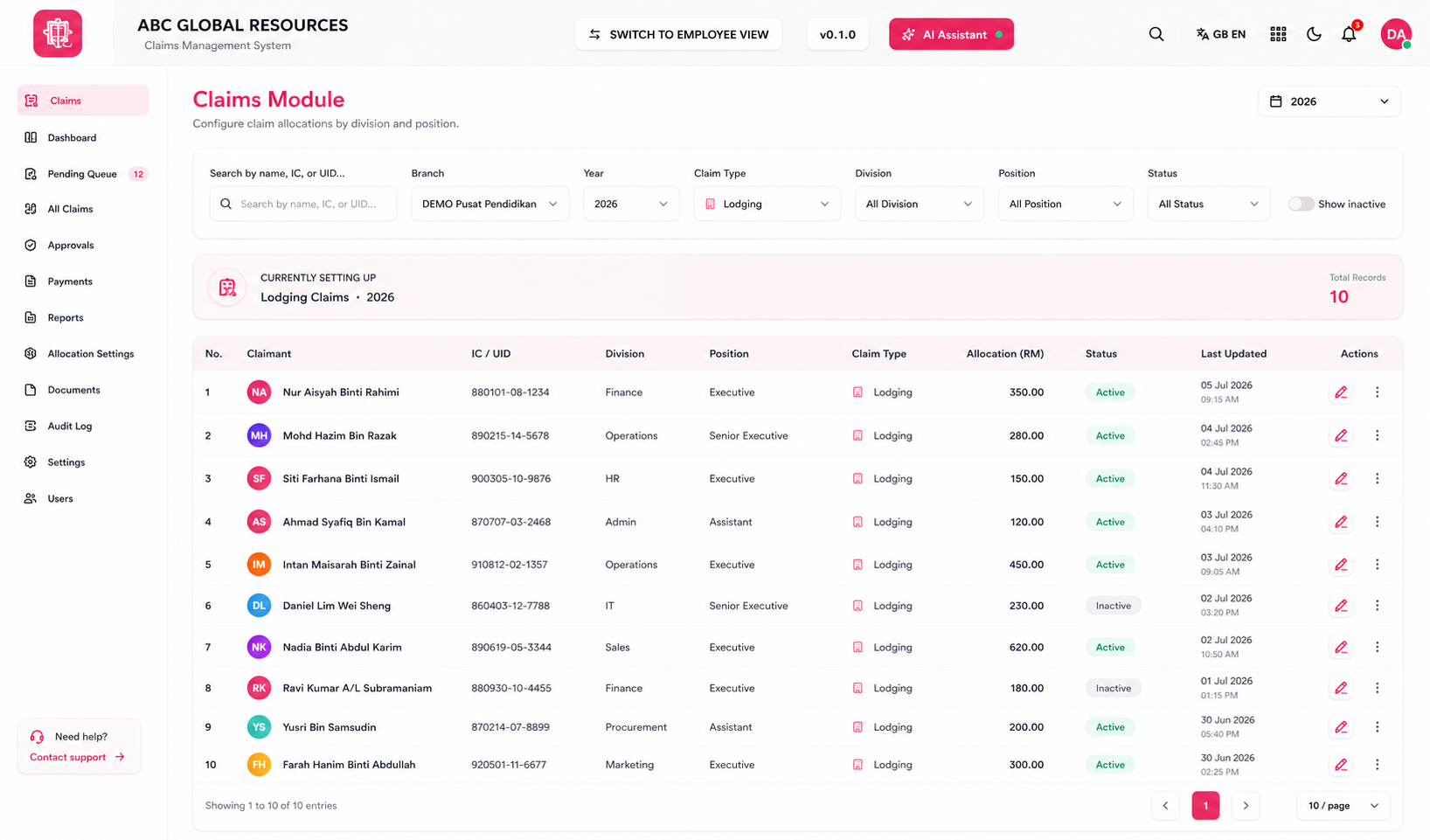
A complete claims workflow in one place — staff submit with receipts attached, approvers action a pending queue, and finance pays and reports.
Allocation limits are set per claim type, division and role, so every claim follows policy without anyone policing it.

Payroll
Statutory-ready pay runs
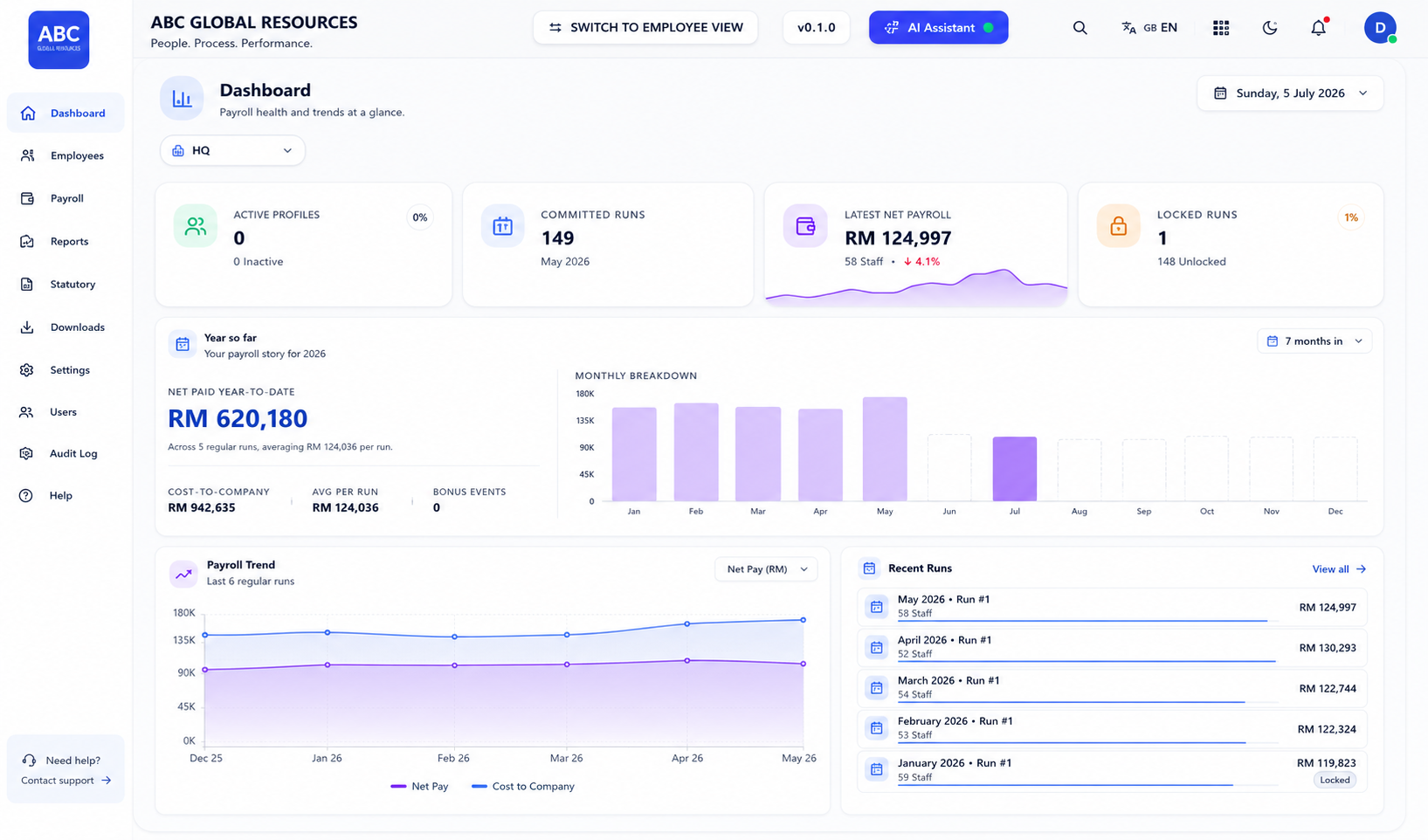
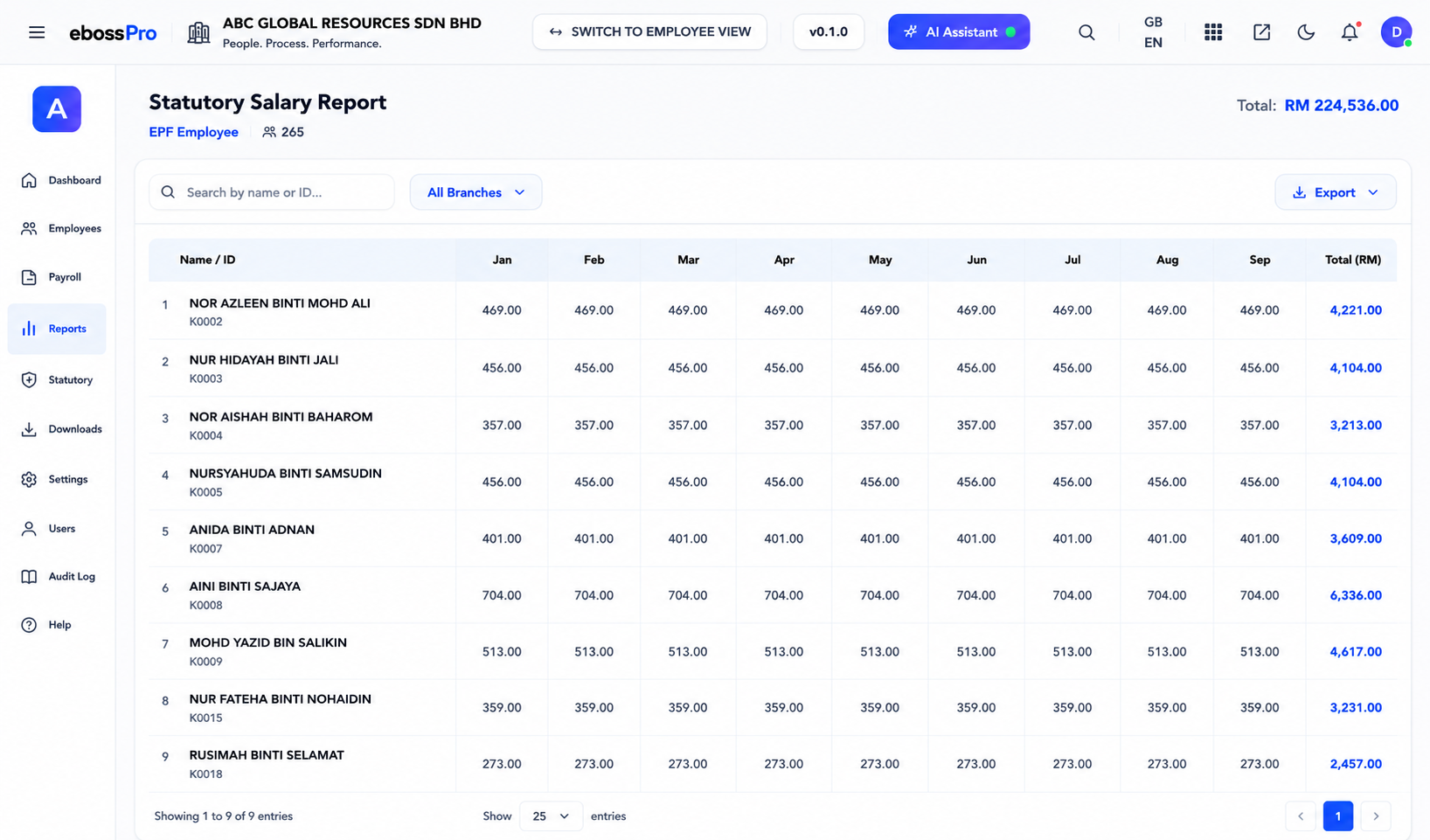
Salary, allowances, deductions and statutory contributions in one guided monthly run, with payslips and bank-ready exports at the end of it.
EPF, SOCSO, EIS and PCB break down per employee, month by month, across every branch — formatted for submission.

What each module does
| RecruitmentHire with AI screening |
|
|---|---|
| UserOne record per person |
|
| AttendanceWho's in, live |
|
| LeaveOne approval queue |
|
| ClaimReceipts to reimbursement |
|
| PayrollStatutory-ready pay runs |
|
One record per person, all the way through
A verified hour becomes approved overtime becomes a line on a payslip, without anyone re-keying it.