Quote to cash, purchase to pay,
and the ledger underneath both
Quote to cash, purchase to pay, and the double-entry ledger underneath both — close the month without exporting anything to a spreadsheet.
Five modules over one set of books — nothing exported to a spreadsheet to make it agree.

Billing
Quote to collection
Issue quotations, invoices and receipts, collect online, and send LHDN-compliant e-Invoices — one connected loop from price offer to money in the bank.
Every document moves draft to confirmed to locked, so the official record can't be quietly changed after the fact.


Payment
Purchase to pay
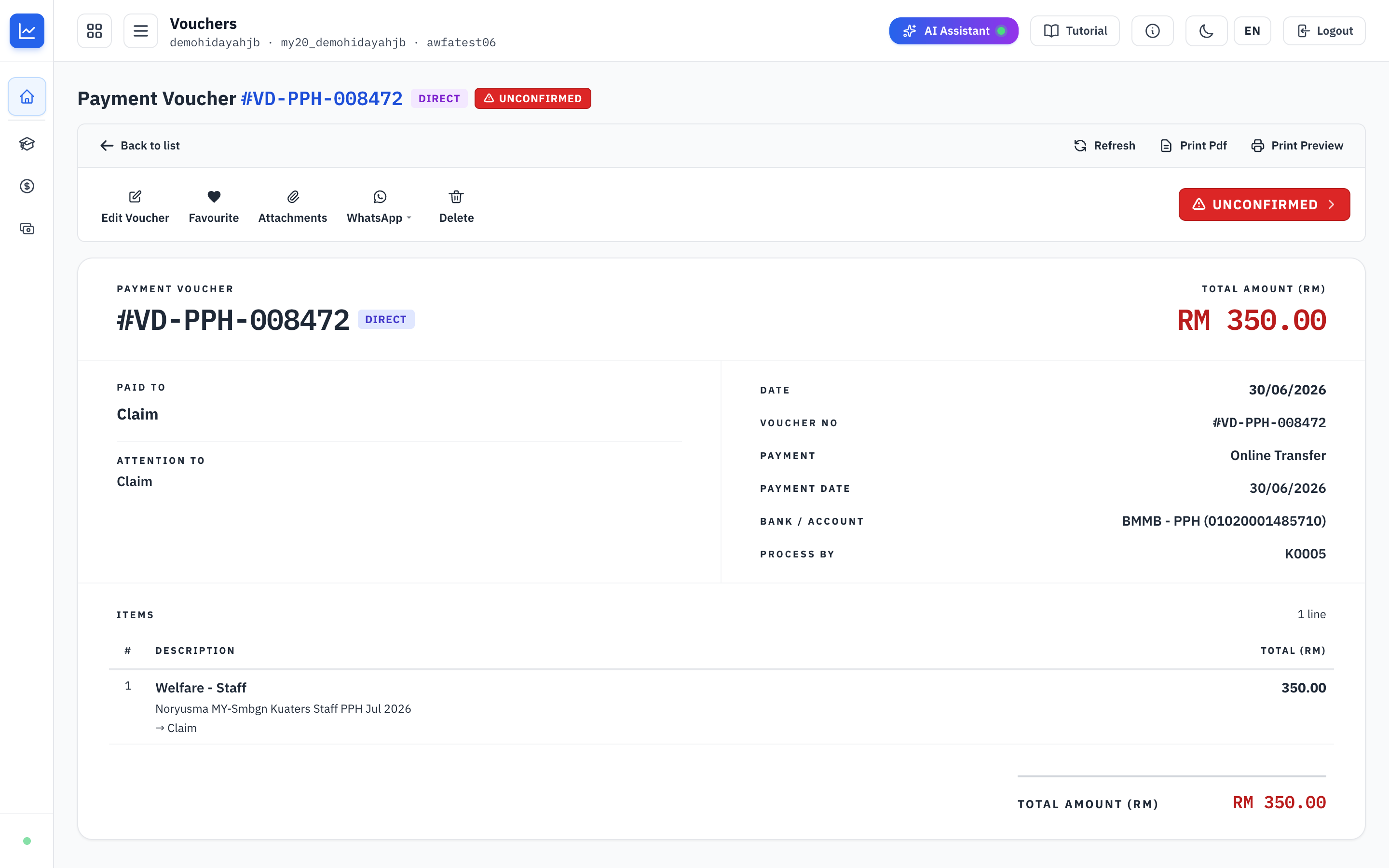
The supplier-facing side of your books — raise a purchase order to commit, pay with a voucher when the bill arrives, and the cost posts itself.
Cheque numbers travel with the voucher so bank reconciliation matches cleanly, and a live counter keeps the unmatched backlog in the open.

Procurement
Requisition to delivery
Raise requisitions, issue purchase orders and track supplier deliveries.
Bank Reconcile
Statements, auto-matched
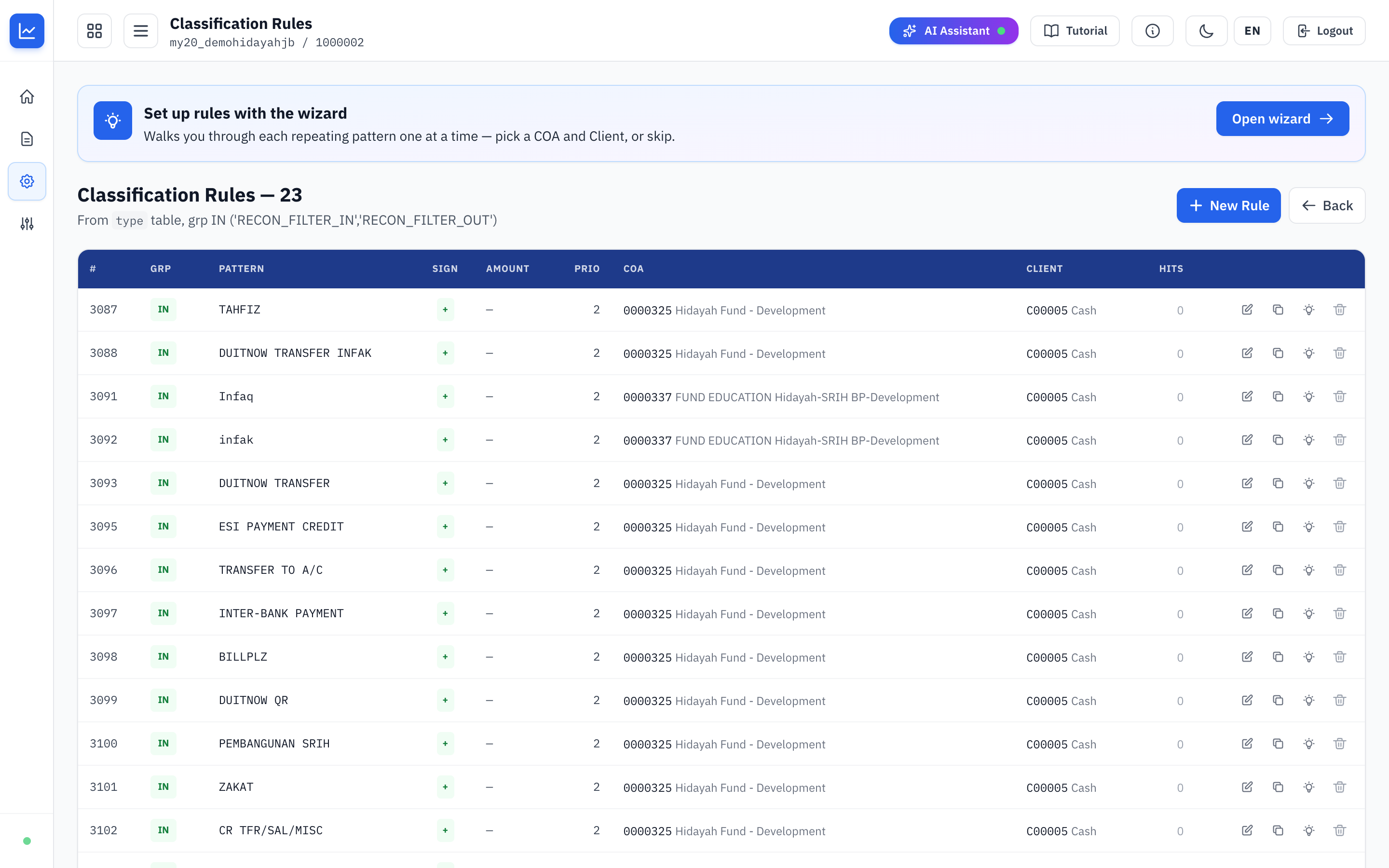
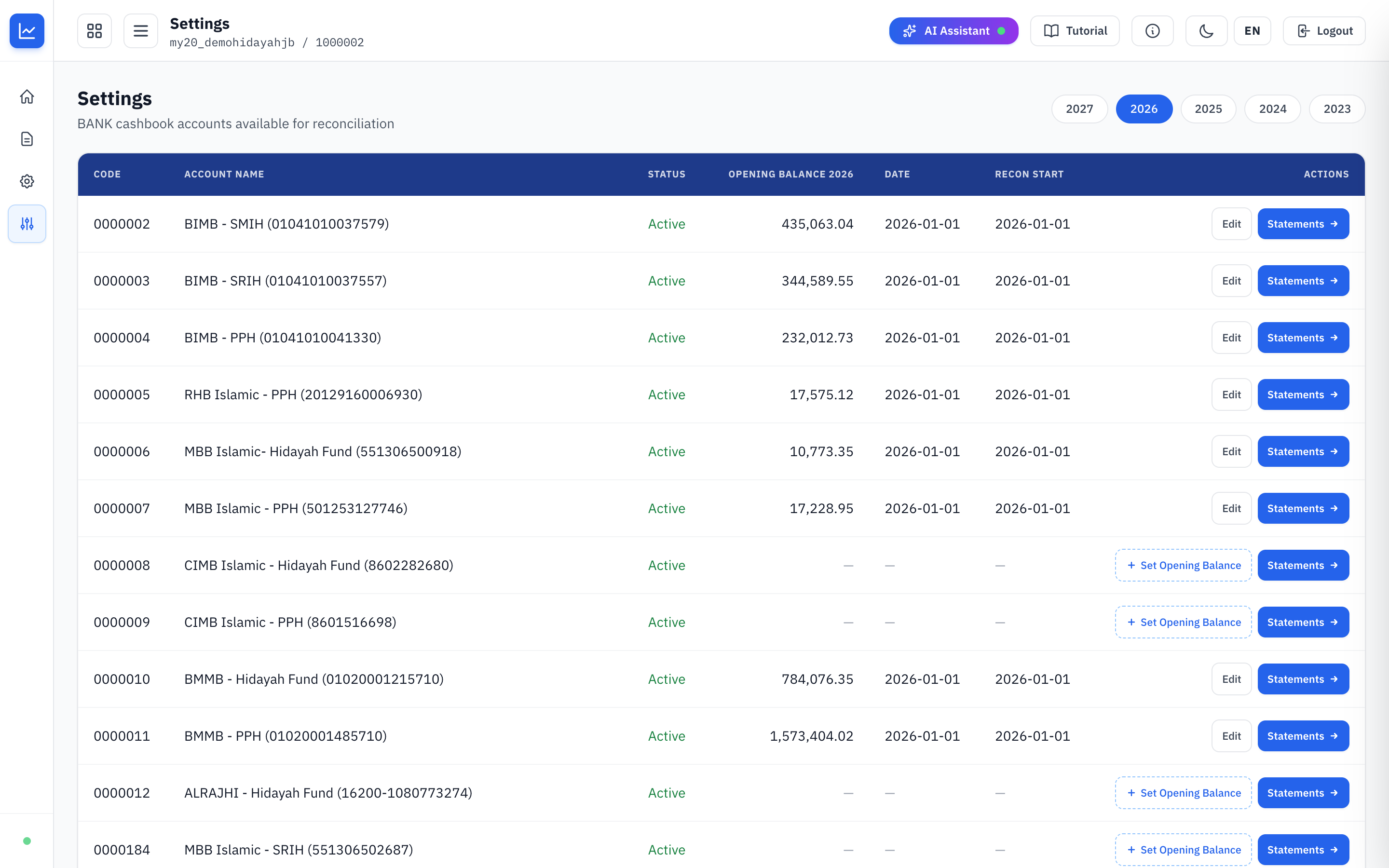
The single place to match every line on a bank statement against the entry in your cashbook, and prove at month-end that the books and the bank still agree.
Upload, match and apply runs in five stages and the first four are completely safe — nothing in the books changes until you Apply.

Accounting
The ledger underneath
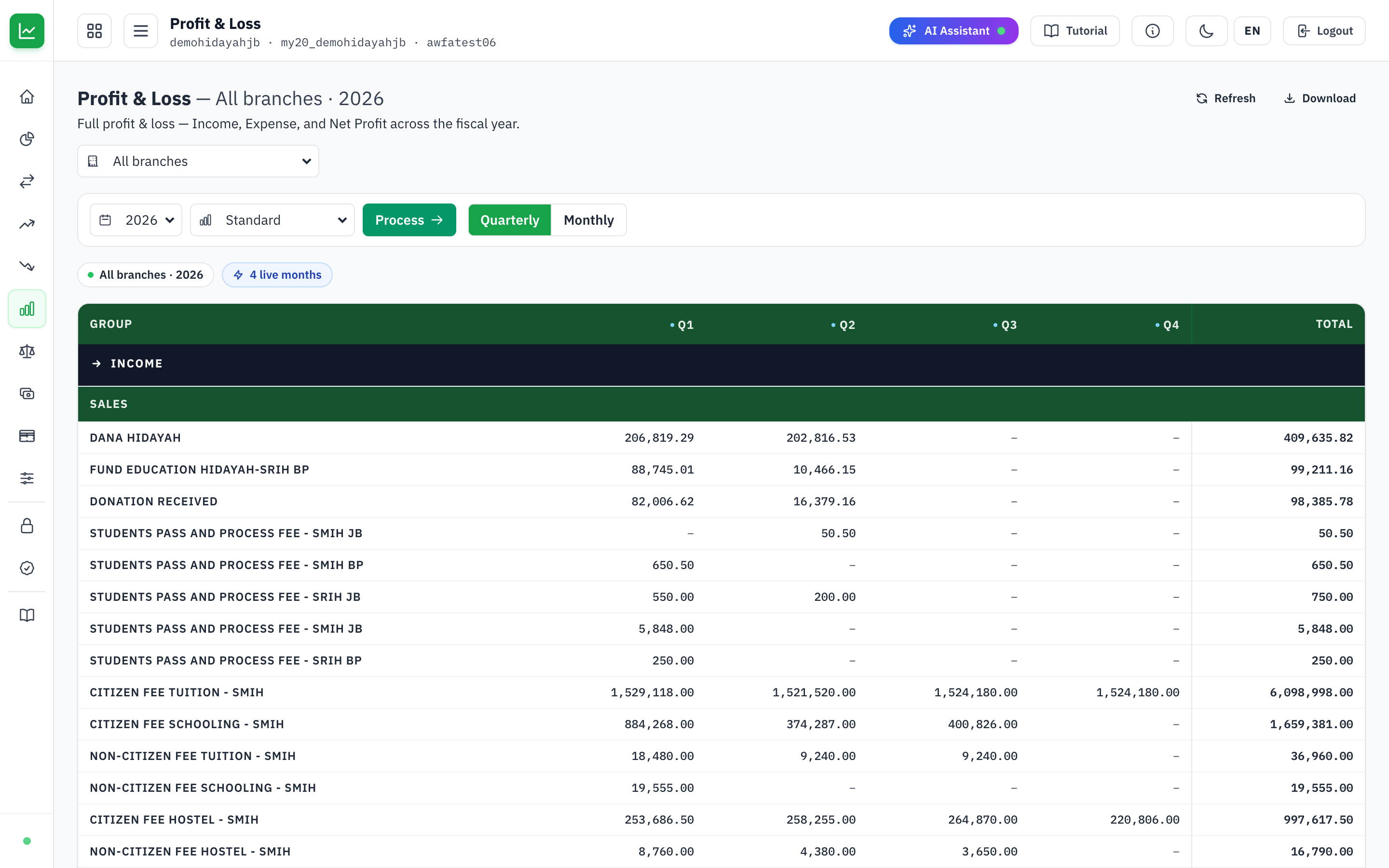
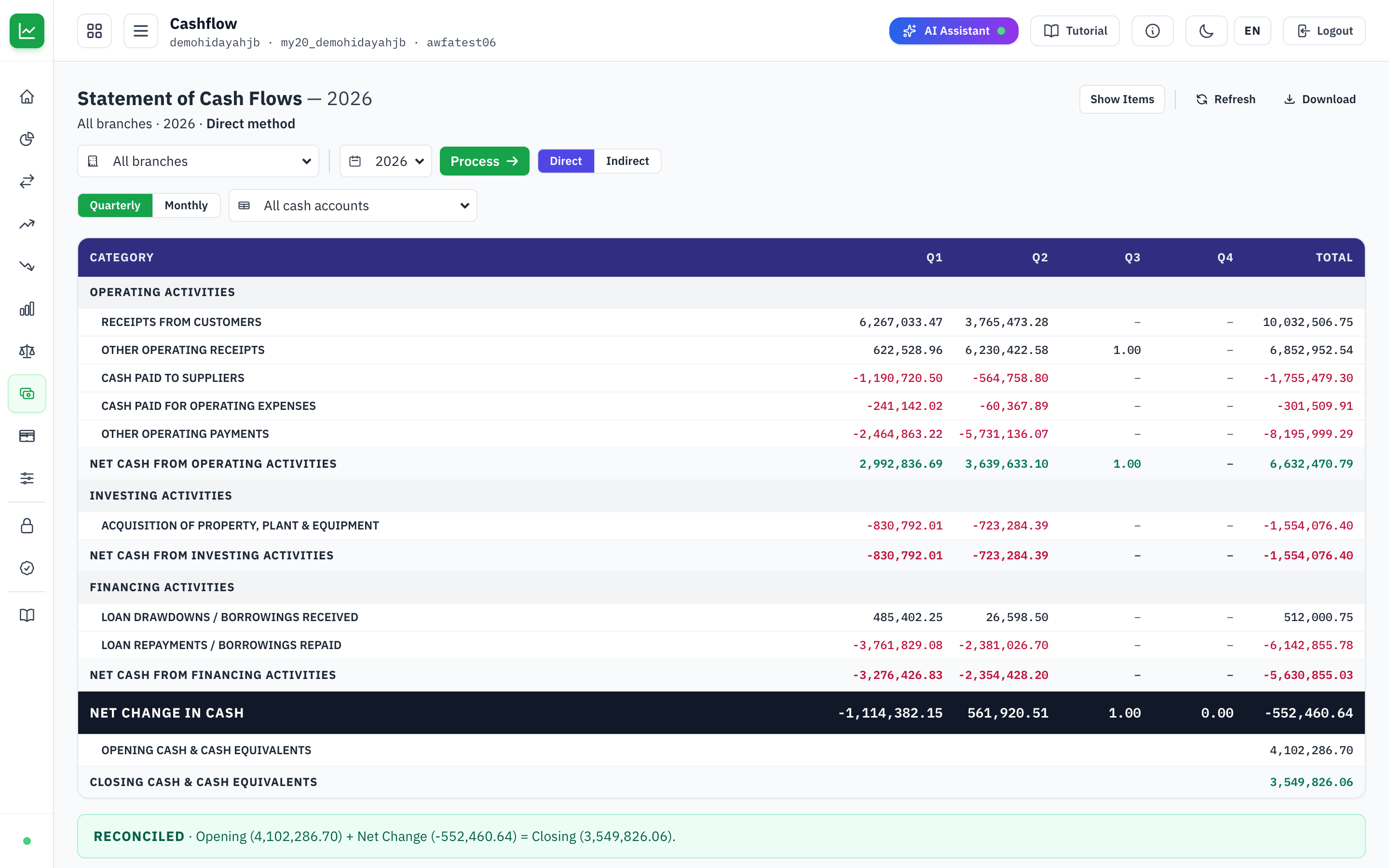
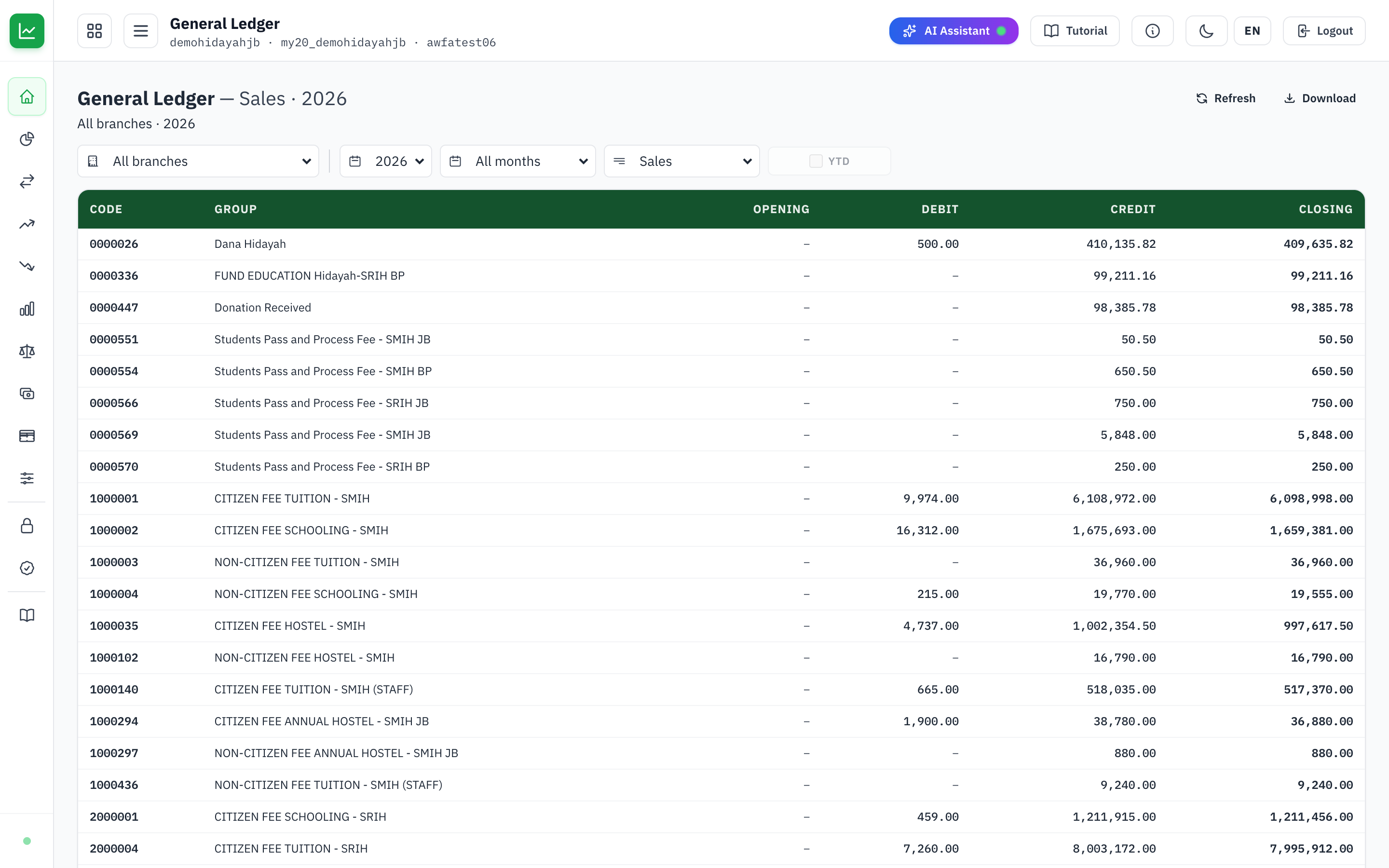
P&L, balance sheet, cash flow, trial balance and full ledgers — month over month, branch by branch.
It records nothing new: it reads the same ledger your invoices and vouchers already write to, and every number drills through to the transaction behind it.
What each module does
| BillingQuote to collection |
|
|---|---|
| PaymentPurchase to pay |
|
| ProcurementRequisition to delivery | |
| Bank ReconcileStatements, auto-matched |
|
| AccountingThe ledger underneath |
|
Close the month without a spreadsheet
Every invoice, payment and purchase posts to the same double-entry ledger as it happens, so the month closes on figures that were already reconciled.